Network#
USB Ethernet Tethering#
It is possible to share a network connection over USB such as sharing the mobile data connection from a Librem 5 to another computer.
Instructions#
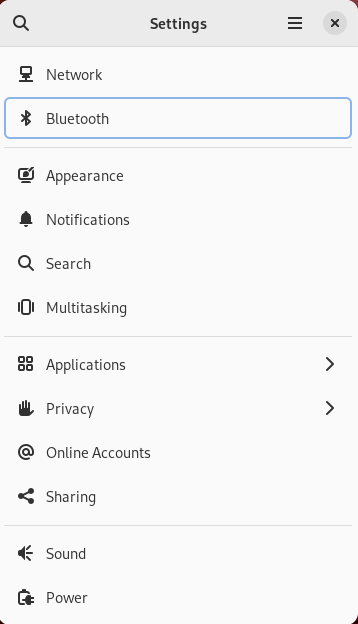
Open the Settings application.
Navigate to the Network menu.
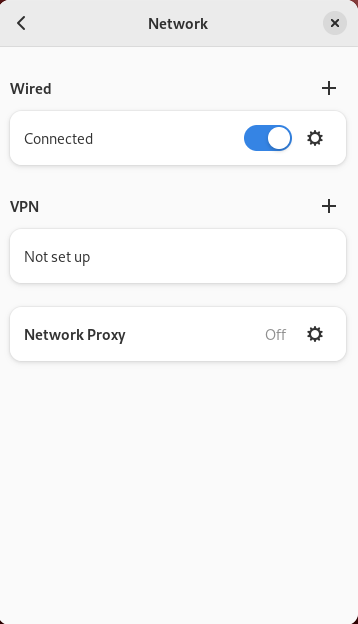
Under the Wired option, click the gear icon on the row that says “Connected”.
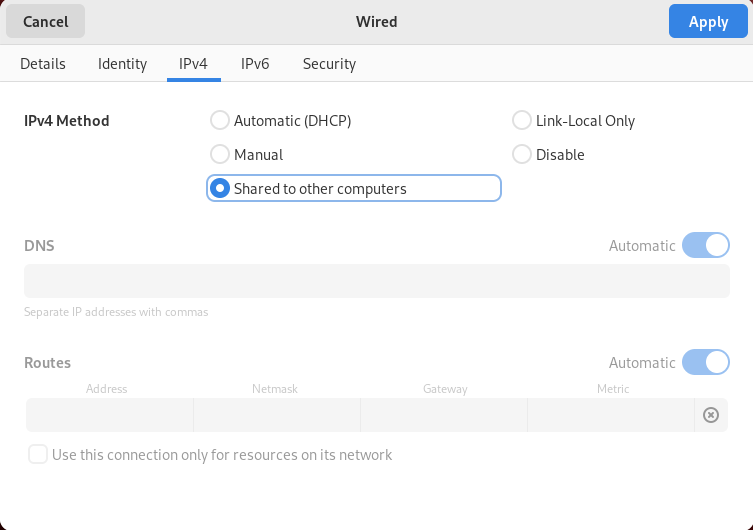
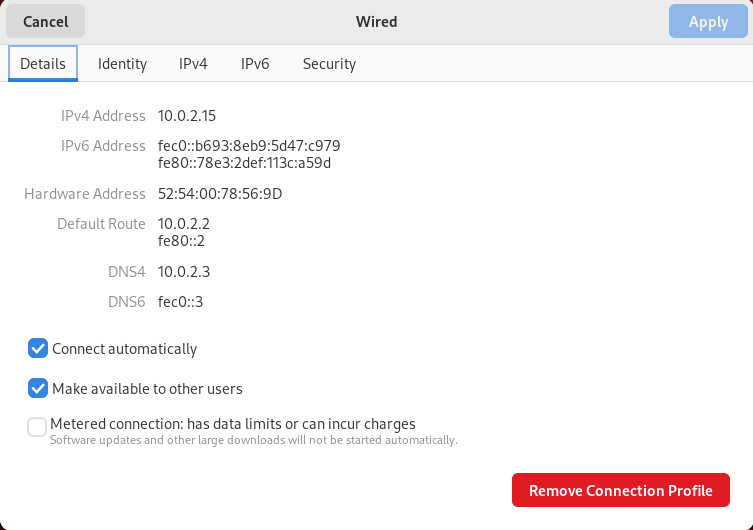
Click on the IPv4 tab.
Change the “IPv4 Method” from “Automatic (DHCP)” to “Shared to other computers”.